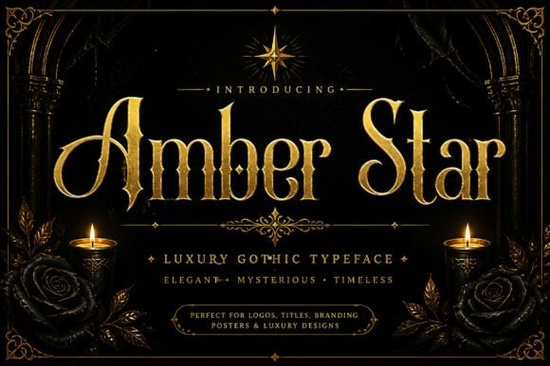
When you need a typeface that feels both historic and highly readable for your next branding project, the Amber Star Font offers a perfect middle ground. It is a refined serif display typeface that mixes classic elegance with subtle vintage charm. Instead of relying on overly ornate details, it uses graceful curves and balanced letterforms to create a luxurious look that remains highly legible. For designers and small business owners, finding that sweet spot between decorative and readable is often the hardest part of building a visual identity.
What makes this typeface stand out for branding and packaging?
For small business owners and print-on-demand sellers, typography needs to do a lot of heavy lifting. It has to grab attention while clearly communicating your brand's message. This specific typeface achieves that through its balanced serif structure. The subtle decorative details add personality without sacrificing readability. When you are creating a logo or packaging for a boutique, coffee shop, or artisanal product, you want something that feels premium. You can easily pair it with a clean sans-serif for body text to keep your editorial layouts looking sharp and professional. If you are exploring other options for your main headings and want to see how different styles handle heavy display sizes, you might also want to look at the Boserich typeface for comparison.
How well does it work for wedding invitations and event stationery?
Wedding stationery requires a delicate touch. Couples often look for flowing scripts or highly decorative fonts, but those can be incredibly hard to read in long paragraphs. This refined serif provides an artistic identity that feels romantic and timeless. The stylish letterforms give off a vintage vibe that pairs beautifully with floral watercolors, minimalist gold foil designs, or classic black-and-white motifs. It works wonderfully for:
- Save the dates and formal invitation suites
- Menu cards and seating charts for receptions
- Custom wedding favors and thank you note packaging
If you need a secondary font for the guest names or longer descriptions on your seating charts, checking out the Together typeface could give you a nice complementary style to complete your suite.
Can crafters use it for digital graphics and social media?
Yes, the balanced structure ensures it translates well to digital screens. When designing social media graphics, you need text that stops the scroll but doesn't strain the eyes. The vintage charm of this display font works exceptionally well for quote graphics, podcast cover art, or promotional banners for creative hobbyists. Crafters using digital cutting machines can also benefit from its clean paths, which usually weed easily when cut from vinyl or cardstock. Just remember to use it for headlines and short phrases. For longer captions or detailed product descriptions, stick to a simpler, highly legible font to maintain a clean visual hierarchy.
What are the best practices for pairing it with other fonts?
Because it has subtle decorative details, you want to avoid pairing it with another highly ornate font. The best approach is contrast.
- Pair with geometric sans-serifs for a modern, high-end fashion or beauty look.
- Combine with clean monospaced fonts for an editorial or magazine-style layout.
- Use with soft, rounded scripts only for very short accents, like a single word on a wedding menu.
Always test your pairings at the actual size they will be printed or displayed. What looks good on a large monitor might feel too cramped on a small product label. If you want to explore more options in the serif display category, testing a few different weights will help you find the perfect match for your specific project.
Before you finalize your next design project, run through this quick checklist to ensure your typography is working as hard as your visuals:
- Check readability at small sizes, such as 10pt for print or 14px for web interfaces.
- Ensure your heading font and body font have enough contrast in weight and overall style.
- Verify that the vintage details don't get lost when printed on textured paper or dark backgrounds.
- Test the tracking and leading, as display serifs often need a bit more breathing room than standard text fonts.
- Make sure your cutting machine settings are adjusted properly if you are using this typeface for vinyl decals or paper crafts.
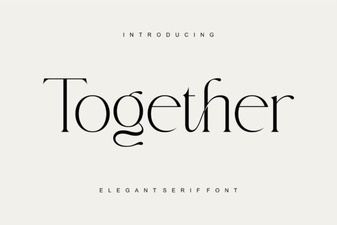 Together Font: Design Tools for Collaborative Creativity
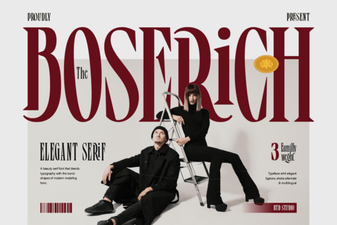 Boserich Font: Design Ideas & Creative Uses
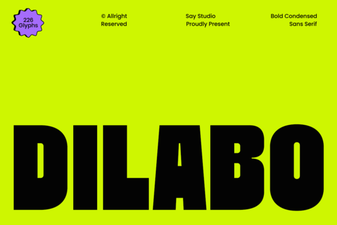 Dilabo Font: Elegant Design for Modern Projects
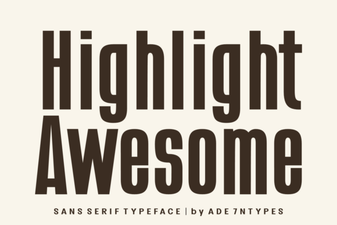 Elevate Your Design with Awesome Highlight Fonts
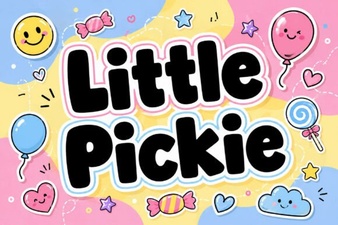 Creative Projects with Little Pickie Font Design
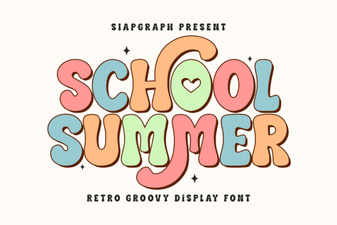 Creative Font Ideas for Your Summer School Project